Swirl Image
Click, paste or drag and drop files to edit
Select an image file jpg, png, webp

Drag and drop
OR
How to use the swirl image effect
Upload an image
Use the form above to load an image. Click the 'Upload image' button, copy and paste or drag and drop an image into the uploader.
Adjust
Adjust the controls in the tool settings bar to control how the swirl effect is applied.
Download or save
Export and download your edited image or save it to your account.
Learn More About
the Swirl Image Effect
On this page
1. About the Swirl Image Effect
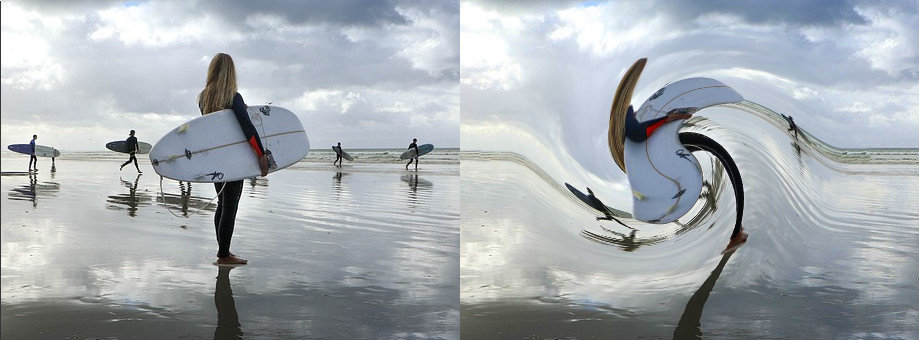
The swirl image effect allows you to distort your image by creating a swirling pattern from a central point. This can create interesting visual effects and enhance your images. Upload an image from your computer and apply the swirl effect as needed.
2. How the Swirl Image Effect Works
The center point of the swirl effect determines where the swirling pattern originates. Pixels near this point are rotated around the center, creating a swirling distortion that affects the appearance of your image. Adjusting the center point changes how the distortion affects your image.
